How to Add Circle USDC to MetaMask in 2026
Switch MetaMask to the chain that holds your USDC, verify Circle’s official contract for that network and paste it into MetaMask; token searches can surface wrappers or cloned tokens.
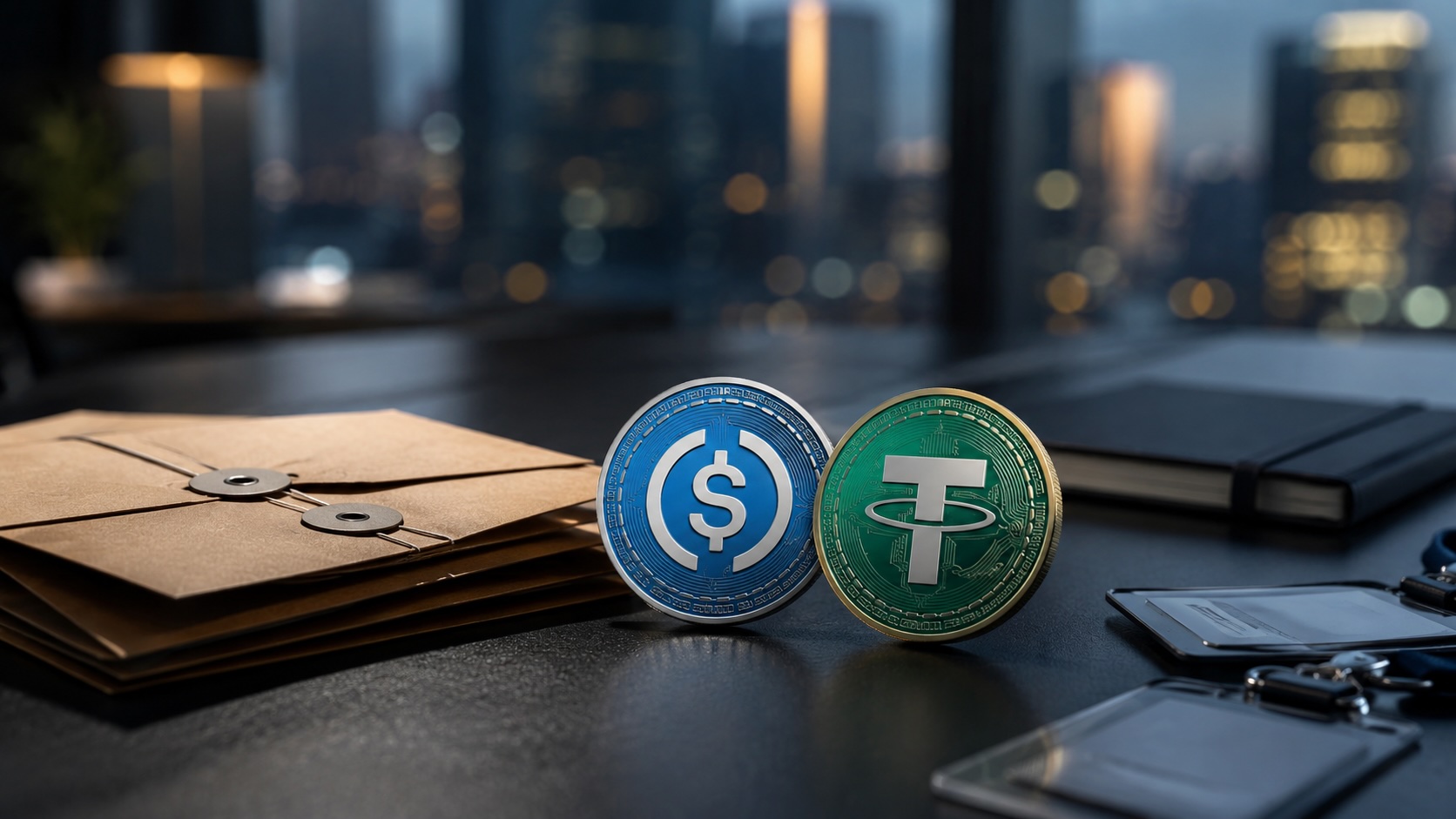
To display native Circle USDC in MetaMask, open the wallet on the blockchain where your USDC actually resides and import Circle’s official contract address for that network. A ticker search can list wrapped or cloned tokens; adding a token by contract only changes the wallet’s display and does not create a balance.
On the correct network, try MetaMask’s auto-detect feature and compare any listed USDC contract to Circle’s published addresses for that chain. If detection does not show the official contract, use MetaMask’s Manage tokens → Add custom token flow and paste Circle’s contract address character for character. After pasting, MetaMask should auto-fill the symbol as USDC and the decimals as six. If the symbol or decimals differ, do not import and recheck the address you pasted.
Each blockchain uses a different Circle USDC contract. The Ethereum contract is not the same as contracts on Base, Arbitrum, Polygon or other chains. Importing an Ethereum contract while MetaMask is set to Base or another network will add an unusable token row. Treat Circle’s published contract list as the source of truth; do not copy an address from chats, ads, or an initial search result.
The amount shown after a correct import is the on-chain balance of that contract at your wallet address on the selected network. A zero balance after import means you do not hold USDC for that contract on that chain. Adding the token does not mint, transfer, or buy USDC. To send USDC later you must hold the chain’s native gas token (for example, ETH on Ethereum or the native fee token on a Layer 2) to pay transaction fees.
Do not paste or approve random 0x addresses or interact with contracts you have not verified. A cloned or malicious token can display a fake balance and expose you to losses if you later approve transactions. Never share your secret recovery phrase or seed with anyone who offers to add tokens. Browser prompts that use wallet_watchAsset should be accepted only after you have matched the address to Circle’s published contract for that chain.
The reliable method to show native Circle USDC in MetaMask is to switch to the correct chain, verify Circle’s official contract address for that network, and paste that address into MetaMask if auto-detect does not find it.
Articles by this author